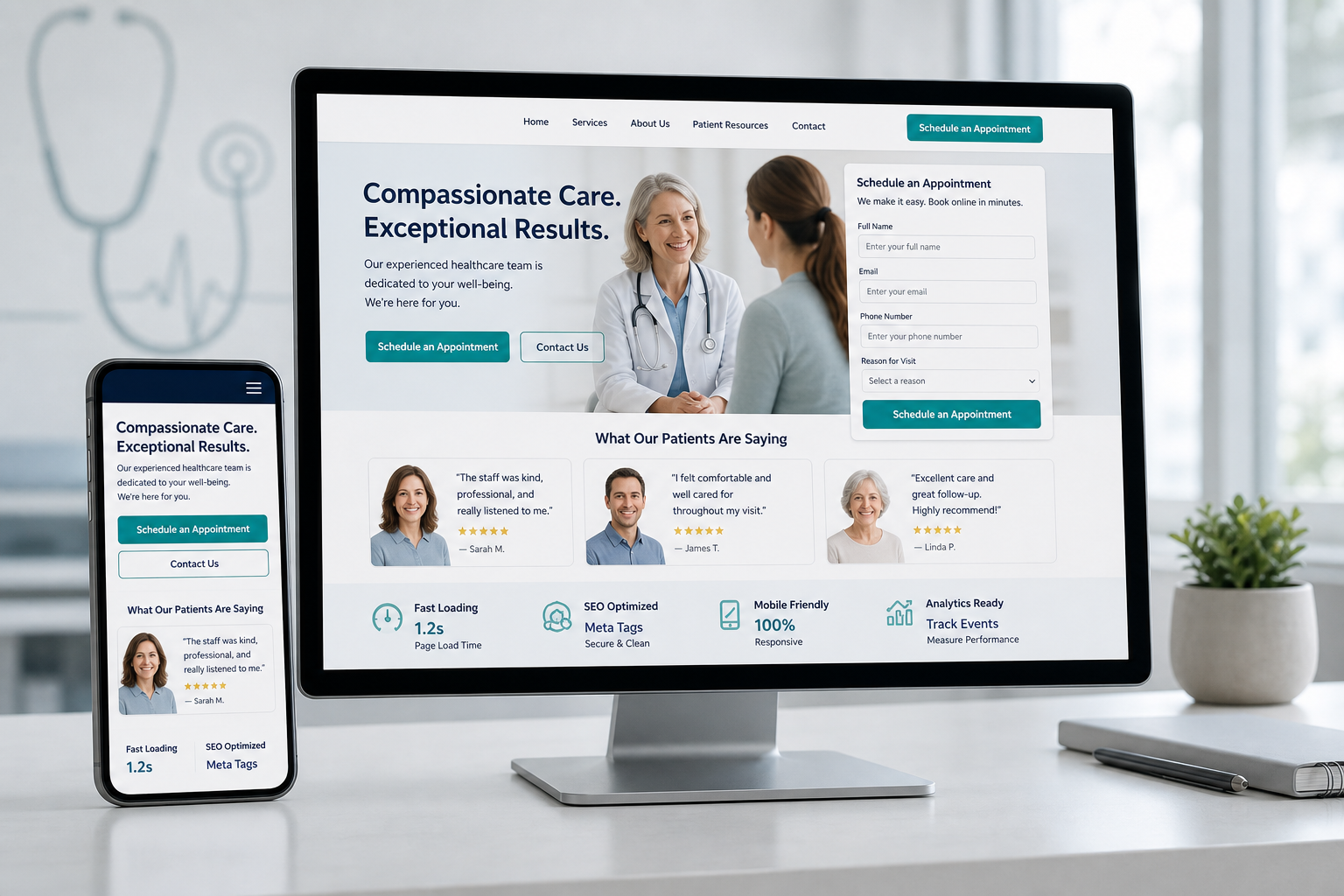
Your medical practice website receives visitors every day, but how many of them become patients? If you're like most healthcare providers, the answer might surprise you. Medical practice lead generation starts with a website that converts, and 30 Degrees North helps healthcare marketers identify the gaps that stop visitors from booking appointments.
The average healthcare website converts about 3% of visitors into leads. Top performers reach 20% or higher. This article walks through seven website conversion problems that cost medical practices patients and what you can do about each one.
Quick guide: 7 common website problems hurting medical practice lead generation
- Missing or unclear calls-to-action: Burying your locations, phone numbers, and/or online booking options below the fold, meaning you have to scroll to see it reduces the likelihood of your visitors taking action.
- Poor SEO & AEO visibility: If you can't be found in search results, you won't have as many potential patients find you.
- Non-mobile-friendly design: Sites that are not easy to use or do not adapt well to a phone screen reduce the majority of your visitors' interest in booking an appointment right away
- Slow page load times: A technical issue that causes visitors to leave before seeing your services
- Complex appointment booking process: A friction point that discourages visitors from scheduling
- Lack of trust signals: Without third-party verification of the practice and physicians' capabilities on the website, visitors are more hesitant to choose your practice
- No lead nurturing system: A follow-up failure that loses interested prospects
How we identified these common medical website conversion problems
These problems emerged from analyzing healthcare websites and visitor activity to see what prevents visitors from becoming patients. Each issue directly affects whether someone schedules an appointment or clicks away to a competitor.
- Visitor behavior data: Understanding where people drop off reveals friction points in the patient journey
- Mobile performance metrics: With most healthcare searches happening on phones, mobile experience matters greatly
- Form completion rates: We've compared short forms, long forms and all other lengths to see what is enough information to gather without making someone quite before they finish.
- Page load speed: Every second of delay reduces the likelihood that someone stays on your site
The 7 medical website conversion problems costing you patients
1. Missing or unclear calls-to-action: Visitors don't know what to do next
A website without clear calls-to-action leaves visitors wandering. They may like what they see but have no obvious path to schedule an appointment. Buttons that blend into the design or vague language like "Learn More" fail to guide visitors toward booking.
Effective CTAs use contrasting colors and direct language. "Request an Appointment" or "Call Now" tell visitors exactly what action to take. Placing these buttons throughout the site, not just on the contact page, captures interest at multiple points.
Call-to-action optimization features
- Prominent button placement: Position CTAs where visitors naturally look
- Action-oriented language: Use verbs that tell visitors what to do
- Visual contrast: Make buttons stand out from surrounding content
CTA optimization pros and cons
Pros:
- Guides visitors toward scheduling appointments
- Reduces confusion about next steps
- Can be implemented without major site redesign
Cons:
- Testing needed to find the right wording and placement
- Too many CTAs can overwhelm visitors
- May require A/B testing to optimize performance. The content management system may offer this option with reported results, such as HubSpot's Content Hub Professional.
2. Poor SEO & AEO visibility: Potential patients can't find you when they need you
The most beautiful website means nothing if people can't find it in search results. Search engine optimization tools determine whether your practice appears in search engines when someone searches "family medicine near me" or "pediatrician in [city]." Without SEO, you're invisible to patients actively seeking care. Answer engine optimization (AEO) includes AI search tools like ChatGPT, Perplexity and Google's AI Overview. influence how patients find providers, making content strategy more important than ever.
Effective healthcare SEO includes location-based keywords, service-specific pages, and content answering common patient questions. Effective AEO requires you to answer questions on your website and through third-party resources, called "prompts" that are being asked related to your services, such as "what is the best family medicine practice near me".
SEO optimization features
- Local keyword targeting: Appear in searches for your service area
- Service page optimization: Dedicated pages for each specialty
- Content that answers questions: Blog posts and FAQs addressing patient concerns
SEO optimization pros and cons
Pros:
- Brings patients actively searching for your services
- Organic traffic doesn't cost per click once rankings improve
- Builds long-term visibility for your practice
Cons:
- Results take months to materialize
- Requires ongoing content creation and optimization
- Competition for popular search terms can be intense
-
3. Non-mobile-friendly design: More users see your website on a mobile device
We typically see more than 60% of traffic to healthcare websites on mobile devices. A site that looks great on desktop but breaks on phones loses the majority of potential patients. Text on images that require you to zoom in to read, buttons too small to tap, and layouts that don't adapt create poor experiences that don't represent your practice well.
Responsive design adapts your site to any screen size, making accommodations where needed to be sure the most important content is easily accessible. Navigation becomes easier, forms remain usable, and phone numbers become clickable. For medical practices, this means patients can research and book appointments from anywhere.
Mobile design optimization features
- Responsive layouts: Content adapts automatically to screen sizes
- Touch-friendly elements: Buttons and links sized for finger taps
- Click-to-call functionality: Phone numbers connect with one tap
Mobile optimization pros and cons
Pros:
- Reaches patients wherever they search for care
- Google prioritizes mobile-friendly sites in search results
- Improves user experience across all devices
Cons:
- May need a new design if your current design wasn't created to adapt
- A developer may be needed to change images, adjust the order of the content or make other adaptations for mobile
- Testing across multiple devices and browsers takes time
4. Slow page load times: Visitors leave before pages finish loading
Page speed directly affects whether visitors stay on your site. Research shows that pages taking longer than three seconds to load lose over half their visitors. For medical practices, this means potential patients leave before seeing your services or providers.
Mobile users experience this more acutely. Someone searching for urgent care on their phone expects instant results. Slow-loading images, unoptimized code, and heavy page elements create delays that cost appointments.
Page speed optimization features
- Image compression: Reduce file sizes without sacrificing visual quality
- Clean code: Remove unnecessary scripts that slow page rendering
- Content delivery networks: Serve pages from servers closer to your visitors
Page speed pros and cons
Pros:
- Faster sites rank better in Google search results
- Visitors stay longer and view more pages
- Mobile users can access your site without frustration
Cons:
- May require technical expertise to diagnose all speed issues
- Some visual elements may need redesign for optimization
- Ongoing monitoring needed as new content is added
5. Complex appointment booking process: Too many steps lose patients
It's great if you have an online appointment request process. But you have to keep it in check. Every additional field on your appointment form increases the chance someone abandons it. Long forms asking for insurance details, medical history, and multiple contact methods before confirming an appointment create friction. Patients seeking care want quick action, not lengthy questionnaires. You can either send a follow-up form with the rest of the information after they book, or collect it when they arrive at the appointment.
Start with essentials: name, phone number, and preferred appointment time. Collect additional information after the patient commits to scheduling. Online booking systems that connect to your practice management software reduce manual data entry and speed confirmation.
Appointment booking optimization features
- Minimal form fields: Ask only what you need to schedule
- Calendar integration: Show available times for immediate booking
- Confirmation automation: Send instant confirmation via text or email
Booking process pros and cons
Pros:
- Higher form completion rates mean more appointments
- Reduces staff time spent on phone scheduling
- Patients appreciate the convenience of self-scheduling
Cons:
- Integration with existing systems may require custom development
- Some patients still prefer phone calls
- Staff training needed for new booking workflows
6. Lack of trust signals: Visitors don't feel confident choosing your practice
Patients research extensively before selecting a healthcare provider. A website without visible credentials, patient reviews, or security indicators fails to build confidence. Visitors compare you against competitors showing certifications, testimonials, and professional affiliations.
Display physician bios with education and board certifications prominently. Showcase patient reviews from trusted third-party sites. Include hospital affiliations and professional memberships. These elements help visitors feel they're making a safe choice.
Trust signal features
- Patient testimonials: Real stories from satisfied patients
- Credential displays: Board certifications and professional affiliations
- Security badges: HIPAA compliance and data protection indicators
Trust signal pros and cons
Pros:
- Builds confidence before the first visit
- Differentiates your practice from competitors
- Addresses patient concerns proactively
Cons:
- Collecting and displaying reviews requires ongoing effort
- Must ensure testimonials comply with HIPAA regulations
- Credentials need regular updates as staff changes
7. No lead nurturing system: Interested visitors disappear without follow-up
Not every website visitor books an appointment immediately. Some need more information, want to compare options, or aren't ready to commit. Without a system to nurture these leads, interested prospects simply disappear. Research shows that responding within five minutes increases conversion rates tenfold.
Lead nurturing includes automated email sequences, follow-up text messages, and HIPAA-compliant communication that keeps your practice top of mind. A smart CRM tracks where each lead came from and their interests, enabling personalized follow-up that converts browsers into patients.
Lead nurturing features
- Automated email sequences: Send relevant information based on visitor interests
- CRM tracking: Know which services each lead explored
- Response time optimization: Alert staff immediately when leads submit forms
Lead nurturing pros and cons
Pros:
- Converts visitors who aren't ready to book immediately
- Keeps your practice visible during the decision process
- Automates follow-up to reduce staff burden
Cons:
- Requires investment in CRM and automation tools
- Content creation needed for email sequences
- Staff training on lead management workflows
Why 30 Degrees North is the choice for medical website optimization
30 Degrees North combines healthcare marketing expertise with HIPAA compliance knowledge that general agencies lack. The team understands both what drives patient decisions and what regulations govern healthcare marketing. This dual expertise produces websites that convert visitors while protecting patient information.
The results speak through measurable improvements in appointment volume, lead quality, and marketing ROI. 30 Degrees North builds websites on HubSpot's HIPAA-compliant platform, integrating CRM, marketing automation, and analytics into one system that healthcare marketers can use confidently.
For medical practices tired of guessing whether their website works, 30 Degrees North offers a proven path to growth. Start with a conversation about your practice's challenges and goals to discover how a HIPAA-compliant, conversion-focused website can grow your patient base.
FAQs about medical practice website conversion problems
What is a good conversion rate for a medical practice website?
The average healthcare website converts about 3% of visitors into leads. Top-performing sites reach 20% or higher. 30 Degrees North helps practices identify specific improvements that move their conversion rates toward these top performer benchmarks through strategic website optimization.
How quickly can website changes improve patient acquisition?
Simple changes like improving call-to-action buttons can show results within weeks. 30 Degrees North has seen practices boost conversion rates by 15-20% through targeted improvements. More substantial updates like redesigning the booking process typically show full impact within one to three months.
Can HIPAA-compliant websites still track marketing performance?
Yes. HIPAA compliance and marketing analytics can work together with the right approach. 30 Degrees North implements compliant tracking methods that anonymize visitor data while still providing the metrics healthcare marketers need to prove ROI and optimize campaigns.
Why do mobile users leave medical practice websites?
Mobile visitors leave when sites load slowly, navigation is difficult, or booking forms don't work on small screens. With over 60% of healthcare searches happening on mobile devices, optimizing for these users directly increases patient acquisition. 30 Degrees North builds mobile-first websites that work flawlessly across all devices.
How does 30 Degrees North approach medical website conversion differently?
30 Degrees North combines HIPAA expertise with proven marketing strategies. Unlike general agencies, the entire team is HIPAA trained and certified. This specialized focus means your website meets compliance requirements while maximizing conversion opportunities that general developers miss.